
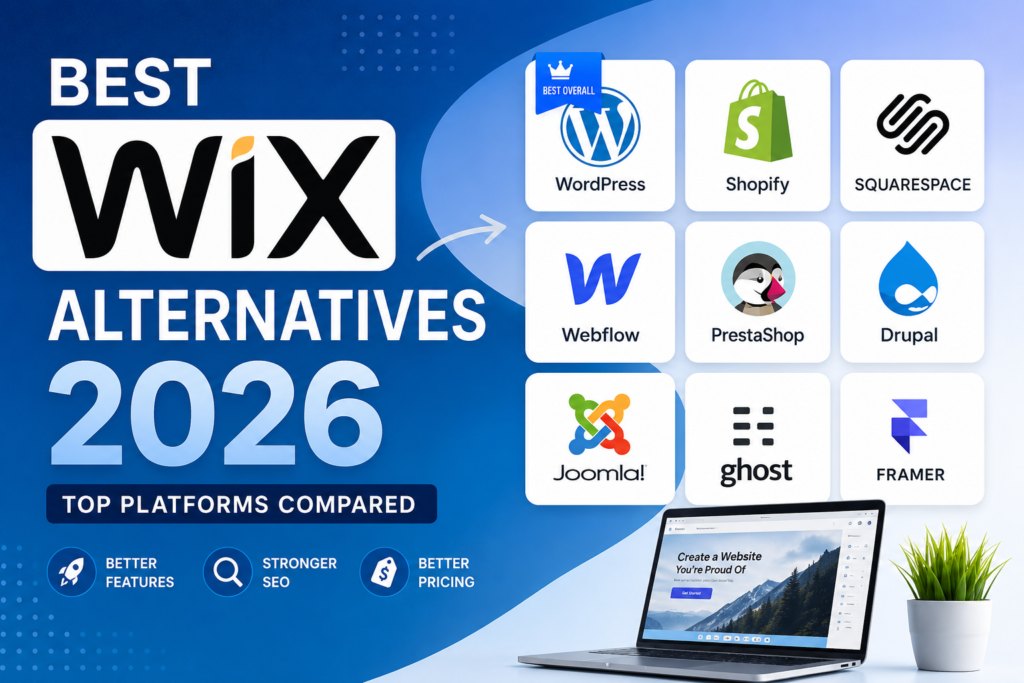
Wix has become one of the most popular website builders for beginners. It offers drag-and-drop editing, hundreds of templates, and hosting included in one package. However, as businesses grow, many users start looking for Wix alternatives due to limitations in SEO, customization, performance, scalability, and pricing.
If you’re planning to build a new website in 2026 or migrate away from Wix, this guide covers the best Wix alternatives for bloggers, small businesses, eCommerce stores, agencies, and developers.
Why Look for a Wix Alternative?
While Wix is beginner-friendly, users often switch because of:
Limited website customization
Expensive premium plans
Vendor lock-in
Limited control over hosting
SEO limitations compared to open-source platforms
Performance concerns on larger websites
Difficulty migrating content to another platform
Let’s explore the best alternatives available today.
1. WordPress.org (Best Overall Wix Alternative)
Best For:
Businesses, bloggers, agencies, and eCommerce stores.
WordPress powers over 40% of websites worldwide and remains the most flexible website platform available in 2026.
Pros
Complete ownership of your website
Thousands of themes and plugins
Excellent SEO capabilities
WooCommerce for online stores
Scalable from small blogs to enterprise websites
Huge developer community
Cons
Requires hosting
Slight learning curve for beginners
Pricing
Free software + hosting costs.
Why Choose WordPress Over Wix?
WordPress gives you complete control over your website, data, design, and SEO strategy without being tied to a single provider.
2. Shopify
Best For:
eCommerce businesses.
Shopify is one of the most trusted eCommerce platforms for businesses selling products online.
Pros
Easy store management
Secure hosting included
Multiple payment gateways
Inventory management
Excellent app ecosystem
Cons
Monthly fees
Transaction fees on some plans
Pricing
Starts around $39/month.
3. Squarespace
Best For:
Creative professionals, photographers, and portfolios.
Squarespace offers beautiful templates and an intuitive website builder.
Pros
Premium design templates
Built-in blogging
Mobile responsive designs
Hosting included
Cons
Less flexible than WordPress
Limited third-party integrations
Pricing
Starts around $16/month.
4. Webflow
Best For:
Designers and agencies.
Webflow combines visual website building with advanced customization.
Pros
Professional-grade design tools
Clean code output
Advanced animations
Strong CMS functionality
Cons
Learning curve
Higher pricing for larger projects
Pricing
Starts around $14/month.
5. PrestaShop
Best For:
Growing online stores.
PrestaShop is a powerful open-source eCommerce platform popular among businesses needing complete customization.
Pros
Open source
Full ownership
Highly customizable
Large marketplace of modules
Cons
Requires technical setup
Hosting required
Pricing
Free software.
6. Drupal
Best For:
Large organizations and enterprise websites.
Drupal provides enterprise-level security and flexibility.
Pros
Extremely secure
Highly scalable
Advanced content management
Cons
Steep learning curve
Developer assistance often required
7. Joomla
Best For:
Business websites and community portals.
Joomla sits between WordPress and Drupal in terms of complexity.
Pros
Flexible content management
Strong user permissions
Open source
Cons
Smaller ecosystem than WordPress
8. Ghost
Best For:
Professional bloggers and publishers.
Ghost focuses on speed, content publishing, and memberships.
Pros
Fast performance
Clean interface
Membership and subscription features
Cons
Limited plugin ecosystem
9. Weebly
Best For:
Simple business websites.
Weebly remains a beginner-friendly website builder.
Pros
Easy to use
Affordable
Basic eCommerce features
Cons
Limited scalability
10. Hostinger Website Builder
Best For:
Budget-conscious users.
Hostinger’s builder offers AI-powered website creation and affordable hosting packages.
Pros
Low cost
AI tools
Hosting included
Cons
Fewer customization options
11. Framer
Best For:
Modern startup websites and landing pages.
Framer has gained popularity due to its design-first approach and AI-powered website creation.
Pros
Modern design capabilities
Fast websites
Excellent landing page builder
Cons
Not ideal for large content websites
Wix vs WordPress: Which Is Better?
| Feature | Wix | WordPress |
|---|---|---|
| Ownership | Limited | Full |
| SEO | Good | Excellent |
| Customization | Moderate | Unlimited |
| Plugins | Limited | 60,000+ |
| eCommerce | Basic to Advanced | WooCommerce |
| Scalability | Moderate | Excellent |
| Hosting Control | No | Yes |
For long-term growth, WordPress remains the strongest Wix alternative.
How to Choose the Right Wix Alternative
Choose:
WordPress for maximum flexibility.
Shopify for eCommerce.
Webflow for advanced design.
Squarespace for portfolios.
Ghost for publishing.
PrestaShop for custom online stores.
Final Thoughts
The best Wix alternative in 2026 depends on your goals. If you want complete control, better SEO, and unlimited customization, WordPress is the strongest choice. For online stores, Shopify and PrestaShop are excellent options, while Webflow and Framer appeal to designers looking for modern website experiences.
Before making a switch, evaluate your budget, technical requirements, SEO goals, and future growth plans to choose the platform that best supports your business.